c++ 을 코딩하려면 먼저 코드를 짜주고 compile 해주는 과정이 꼭 필요하다.

< 자료형 >
#include <iostream> //iostream을 가져올게

int main()
{
    using namespace std;

    cout << "Hello world" << endl; //out이출력이고 endl이 출력한다는 뜻이다

    return 0; //실행하면 main쪽이 실행이 된다
}
그다음 중요한건 terminal 에서 빌드(Build)를 해줘야 한다는 것이다.

그리고 중요한점은 terminal 에서 항상 ubuntu (wsl) 을 사용해 주어야 한다는 점이다.

이렇게 출력이 된다.
- 코드를 작성한다
- g++ 사용해서 해당 파일을 compile 해준다
- ls 를 사용해서 실행파일이 잘 나오는지 확인한다.
< 변수 선언 >
#include <iostream>

int main()
{
    using namespace std;

    int age = 10; //변수를 선언한다, 오른쪽 값이 왼쪽으로 들어간다
    cout << "I am " << age << endl;

    return 0;
}
#include <iostream>

int main()
{
    using namespace std;

    int age = 10; //변수를 선언한다, 오른쪽 값이 왼쪽으로 들어간다
    cout << "My age is " << age << endl;

    return 0;
}
endl 이 무엇인가? 줄바꿈
<입출력 함수>
#include <iostream>

int main()
{
    using namespace std;

    int num0fWatermelon = 0;
    cout <<"How many watermelons do you have?" << endl;
    cin >> num0fWatermelon;

    cout << "I have " << num0fWatermelon << " watermellons."<< endl;


    return 0;
}
<숙제>
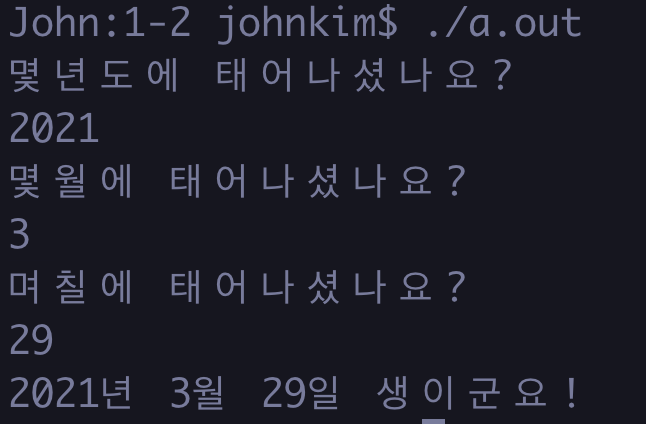
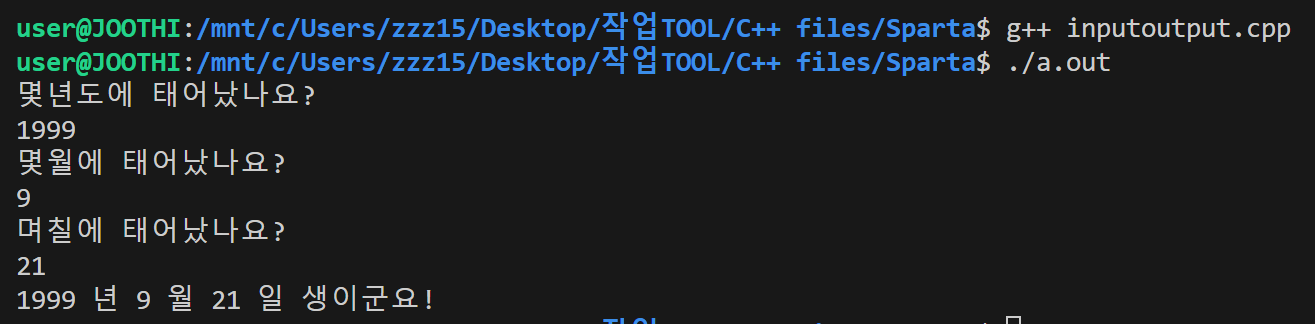
#include <iostream>

int main()
{
    using namespace std;

    int year = 0;
    int month = 0;
    int day = 0;


    cout <<"몇년도에 태어났나요?" << endl;
    cin >> year;

     cout <<"몇월에 태어났나요?" << endl;
    cin >> month;

     cout <<"며칠에 태어났나요?" << endl;
    cin >> day;

    cout << year << " 년 " <<  month << " 월 "<< day << " 일 생이군요! "<< endl;


    return 0;
}
맞아따아아아
재밋네용 씨쁠쁠
'개인 개발 공부 > C ++' 카테고리의 다른 글
| 1-5 반복문과 다중반복문 (0) | 2024.11.09 |
|---|---|
| 조건문 (0) | 2024.11.09 |
| 연산자 (0) | 2024.11.09 |
| GPT를 통해 알아본 유니티와 언리얼, C#과 C++ (0) | 2024.11.08 |
| What is C, C#, C++ ? (0) | 2024.09.17 |


